Gaming PC cooling in Dubai is not simply about installing more fans or buying the biggest liquid cooler. The temperature of the air entering the case, airflow direction, dust buildup, cooler design, fan curves and sustained system power all affect how hot a gaming PC becomes under load.
Dubai's outdoor climate can be extremely hot, but your PC does not directly experience the outdoor temperature when it is used indoors. What matters most is the temperature of the intake air around the case. A system in a well-air-conditioned room has considerably more thermal headroom than the same PC operating in a warmer room, near a window or inside an enclosed desk cabinet.
This guide explains how ambient temperature affects CPU and GPU cooling, why dust gradually reduces airflow, how to position case fans, when liquid cooling helps, what thermal throttling looks like, and how Gaming PC Dubai validates completed systems for sustained UAE use.
Technical guide • Reviewed October 3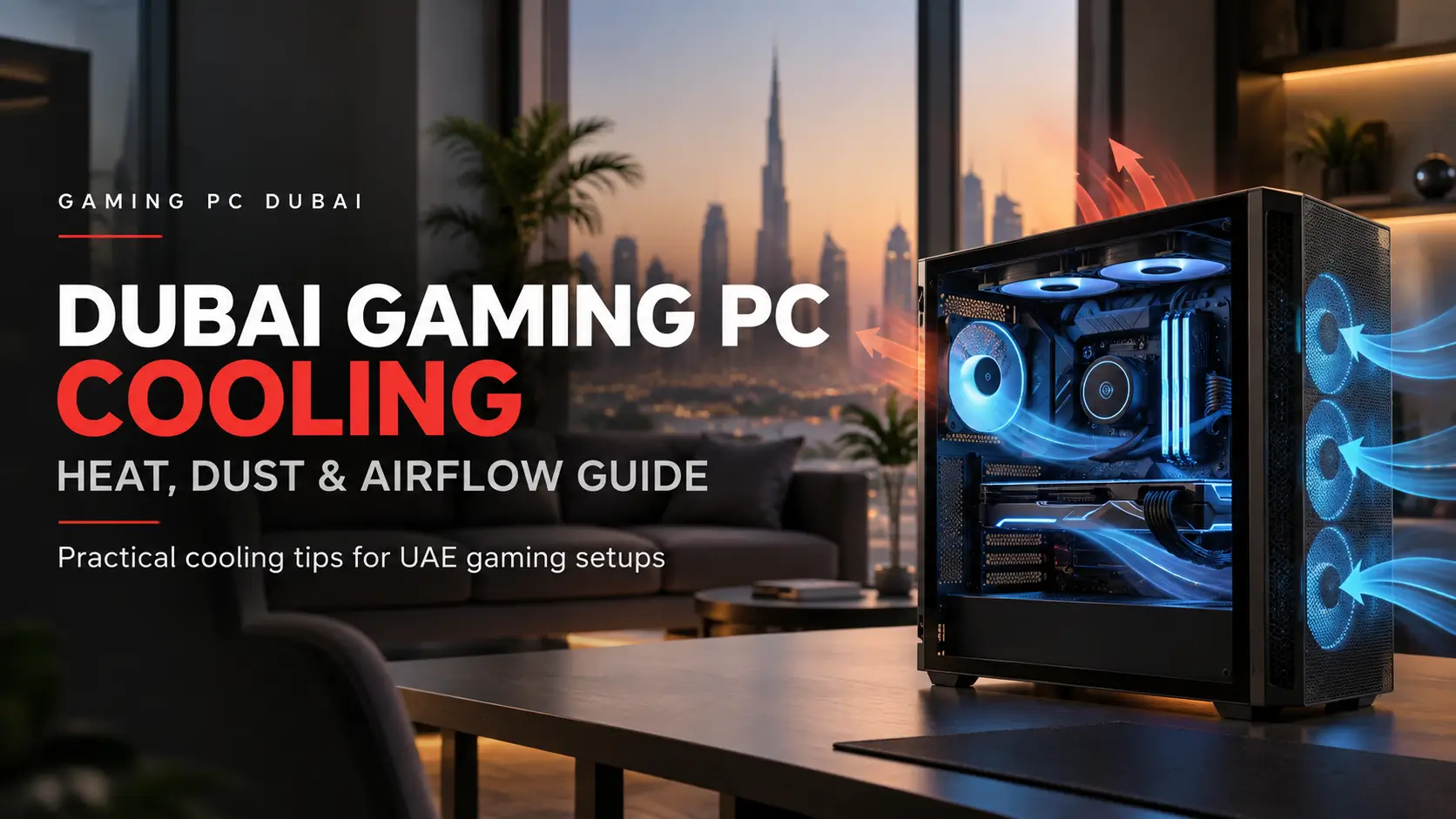
Gaming PC Cooling Dubai — Quick Facts
The cooler can only transfer heat into the surrounding air. Warmer intake air therefore reduces the temperature difference available for CPU, GPU and radiator cooling.
An air-conditioned room can provide good operating conditions even when outdoor temperatures are very high. Indoor case-intake temperature matters more than the weather report itself.
Dust buildup on mesh panels, radiator fins and fan blades restricts airflow and reduces heat-transfer efficiency over time.
Fan direction, case restriction and exhaust paths matter. Six poorly arranged fans can perform worse than four correctly positioned fans.
Modern CPUs and GPUs have defined operating limits, but the goal is stable performance with sensible fan noise rather than deliberately running at the thermal limit.
A PC can look stable during a short benchmark and still develop thermal or memory issues after prolonged combined CPU and GPU load.
How Does Dubai's Ambient Temperature Affect a Gaming PC?
The temperature of the air entering the case sets the starting point for the cooling system.
A cooler does not create cold air. It transfers heat from the processor or graphics card into the surrounding air. If the intake air becomes warmer, the CPU and GPU usually settle at a higher operating temperature unless fan speed, power draw or workload changes.
For example, moving the same PC from a cool air-conditioned room into a noticeably warmer room will normally raise internal temperatures under sustained load. The exact increase is not always one-to-one because modern fan curves and boost algorithms automatically react to temperature.
What Is Thermal Throttling in a Gaming PC?
Thermal throttling occurs when hardware reduces clock speed, voltage or power to remain within safe thermal operating limits.
Modern CPUs and GPUs continuously adjust their operating frequency based on power, workload and available thermal headroom. Reaching a high temperature therefore does not necessarily mean the component is damaged, but sustained thermal limitation can reduce performance.
Common Symptoms
- Frame rates fall after extended gaming.
- GPU or CPU clocks decrease as temperature rises.
- Fans remain near maximum speed.
- The system is noticeably louder than before.
- Performance becomes less consistent after long sessions.
- Temperature quickly reaches the component's configured limit.
What Is the Best Gaming PC Airflow Setup for Dubai?
A simple front-to-back or bottom-to-top airflow path works well in most gaming cases.
Cool room air should enter through filtered front or side ventilation and move toward the hottest components.
A rear fan helps remove warm air generated around the CPU socket and GPU area instead of allowing it to circulate inside the chassis.
Top exhaust fans or a top-mounted radiator can help remove accumulated warm air, particularly in higher-power systems.
The goal is not simply maximum airflow. The goal is a predictable path from intake to exhaust without large dead zones or recirculation.
Gaming PC Dubai's custom-build service uses airflow-oriented cases and cooling selected around the CPU and GPU configuration rather than adding fans only for appearance.
Why Does Dust Matter More for Gaming PCs in Dubai?
Dust gradually collects on every surface that air passes through. The most important areas are front mesh panels, bottom filters, radiator fins, heatsinks and fan blades.
As these areas become restricted, the fans must work harder to move the same amount of air. A radiator covered with dust also has less exposed fin area available for heat transfer.
Practical Cleaning Schedule
There is no single cleaning interval that fits every home. A system near an open window, carpet, pets or construction dust can require attention much sooner than a PC in a clean, filtered and air-conditioned room.
- Inspect filters visually rather than following only a calendar.
- Clean front and bottom filters before airflow becomes visibly restricted.
- Check radiator fins for trapped dust.
- Clean fan blades when buildup becomes visible.
- Never block PSU or bottom ventilation.
For heavily contaminated systems, Gaming PC Dubai also provides PC deep cleaning and thermal maintenance .
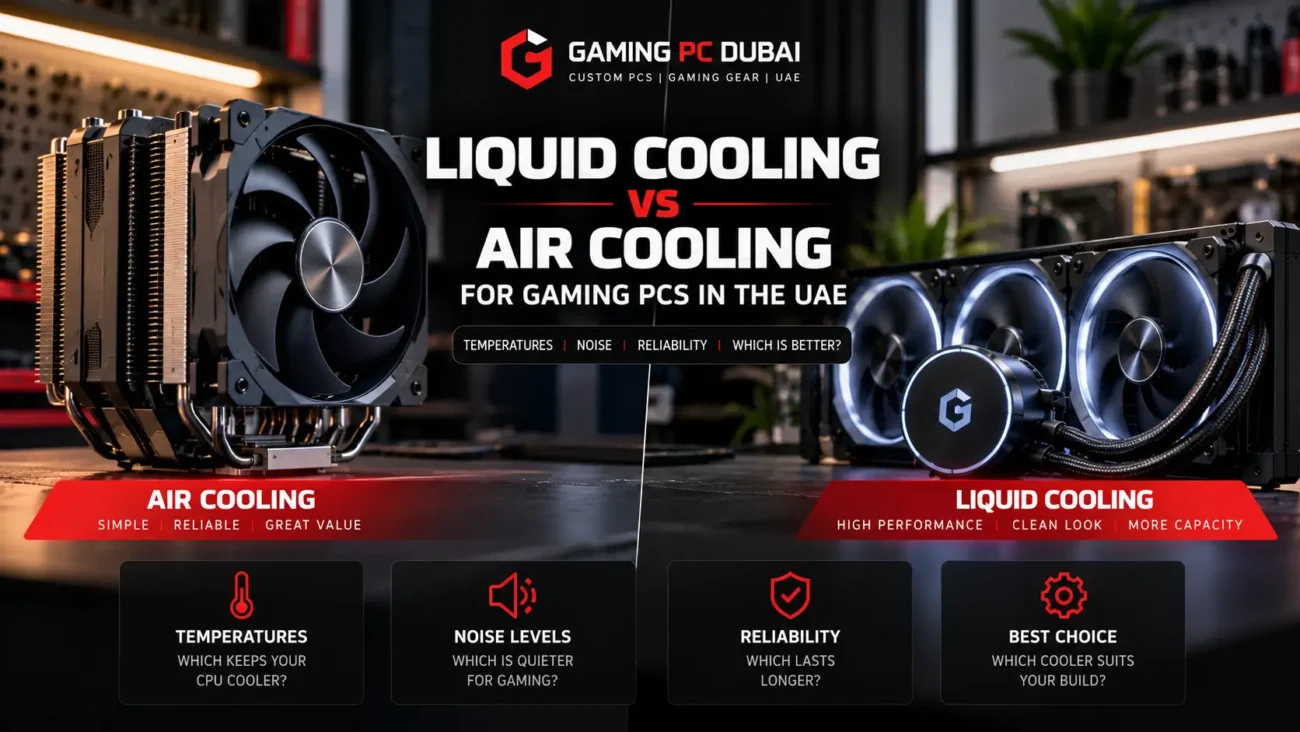
Is Liquid Cooling Better Than Air Cooling in the UAE?
Liquid cooling is not automatically better for every gaming PC. The correct cooler depends on processor power, case layout, noise target and sustained workload.
Air Cooling
A quality tower air cooler can handle many mainstream gaming CPUs with fewer moving parts and straightforward maintenance. It is often the most practical option for moderate-power systems.
Liquid Cooling
A 240mm or 360mm AIO can provide additional heat-dissipation capacity for high-end processors and sustained heavy workloads, provided the radiator has access to good airflow.
A large liquid cooler still cannot overcome poor case ventilation. If hot radiator exhaust is trapped inside a closed cabinet, cooling performance will eventually suffer regardless of radiator size.
AMD currently recommends liquid cooling for optimal Ryzen 7 9800X3D performance and specifies a 95°C maximum operating temperature for that processor.
Should You Change Your Gaming PC Fan Curves?
Yes, but only when the default fan behaviour does not match the actual system.
An effective fan curve keeps the system quiet at idle while increasing airflow progressively under gaming load. Setting every fan to maximum speed all the time increases noise and dust intake without necessarily producing a meaningful temperature improvement.
- Use CPU temperature for CPU-cooler control.
- Use motherboard or system temperature sensors for case fans when supported.
- Avoid fan curves that repeatedly ramp up and down over small temperature changes.
- Test the complete curve during sustained gaming.
- Monitor GPU fan behaviour separately because the graphics card controls its own fans.
Where Should You Place a Gaming PC in a Dubai Apartment?
The PC needs access to cool room air and enough space to release warm exhaust.
- Do not place the tower inside a closed cabinet.
- Leave space behind the rear exhaust.
- Keep top exhaust vents clear.
- Avoid placing the intake directly beside a hot window.
- Keep bottom intakes away from thick carpet.
- Do not push the case tightly against a wall.
A clean desk setup can still have poor thermal performance if the PC is surrounded by furniture that traps its own exhaust air.
How Hot Is Too Hot for a Gaming PC?
Temperature limits vary by component, generation and manufacturer, so there is no universal safe number for every CPU and GPU.
| Example Component | Official Maximum Temperature | What It Means |
|---|---|---|
| Ryzen 7 9800X3D | 95°C Tjmax | Maximum operating specification, not an ideal gaming target |
| Ryzen 7 7800X3D | 89°C Tjmax | CPU manages boost and power around its thermal limits |
| RTX 5070 | 85°C maximum GPU temperature | Reference thermal specification |
| RTX 5070 Ti | 88°C maximum GPU temperature | Reference thermal specification |
These figures should be treated as operating limits rather than performance targets. Cooler operation can provide more boost headroom and lower fan noise, but chasing extremely low temperatures can add unnecessary cost and noise.
How to Fix a Gaming PC That Runs Too Hot in Dubai
- Check room and intake-air temperature first.
- Clean dust filters, fans and radiator fins.
- Confirm every case fan is spinning in the intended direction.
- Check whether the CPU cooler or AIO pump is operating correctly.
- Confirm the case has a clear intake and exhaust path.
- Move the tower away from enclosed furniture.
- Check CPU and GPU fan curves.
- Verify thermal paste and cooler mounting if temperatures are abnormal.
- Check BIOS power limits and overclocking settings.
- Run sustained CPU and GPU testing after making changes.
Gaming PC Dubai uses 24-hour thermal stress testing on applicable completed systems to help reveal cooling, airflow, fan-curve, memory and stability problems before delivery. Customers also receive 1–2 year local UAE warranty options, eligible Tabby/Tamara 0% installment options and free doorstep delivery across all seven Emirates.
Gaming PC Cooling Dubai — Frequently Asked Questions
Does Dubai heat make gaming PCs overheat?
Not automatically. The most important factor is the temperature of the air entering the case. A gaming PC used in a well-air-conditioned room can maintain good thermal conditions even when the outdoor temperature is high.
Should I use liquid cooling for a gaming PC in Dubai?
Liquid cooling is useful for high-power processors and sustained workloads, but it is not required for every gaming PC. A strong air cooler with good case airflow can be sufficient for many mid-range systems.
How often should I clean my gaming PC in Dubai?
There is no fixed interval that suits every room. Inspect filters and radiator fins regularly and clean them when dust becomes visible or airflow begins to reduce.
Is 80°C safe for a gaming GPU?
It depends on the exact GPU model and manufacturer specification. For example, NVIDIA lists an 85°C maximum GPU temperature for RTX 5070 reference specifications, so 80°C is below that limit, but cooling performance and fan noise should still be evaluated.
Why does my gaming PC get hotter after one hour?
The case, coolant, heatsinks and surrounding air gradually reach thermal equilibrium during sustained load. Poor exhaust airflow can also cause warm air to accumulate inside or around the chassis over time.
Do more case fans always reduce temperatures?
No. Fan placement, direction and case restriction matter more than fan count alone. Additional fans can provide little benefit if they fight each other or recirculate warm exhaust.
Can dust cause thermal throttling?
Yes. Heavy dust buildup can restrict airflow through filters, heatsinks and radiators, which can increase component temperatures and contribute to thermal limitation under sustained load.
Where should I place my gaming PC in a Dubai apartment?
Place it where the case has access to cool room air and unobstructed exhaust space. Avoid closed cabinets, thick carpet under bottom intakes and positions directly beside heat-producing windows or equipment.
Gaming PC Cooling in Dubai: Final Advice
The most effective cooling strategy is not simply a larger cooler—it is a complete thermal system built around cool intake air, unrestricted airflow, clean filters, correct fan direction and hardware appropriate for the CPU and GPU.
A properly configured gaming PC can operate reliably in Dubai when used in a suitable indoor environment. Problems usually begin when warm intake air, dust restriction, poor case placement or badly configured cooling reduce the thermal headroom available to the hardware.
Start with the simple checks before replacing components: room temperature, filter cleanliness, fan direction, case placement and fan curves. Then evaluate the CPU cooler, GPU cooling and thermal interface only if temperatures remain abnormal.
Technical References
AMD Ryzen 7 9800X3D official thermal specifications
Build a Thermally Optimized Gaming PC in Dubai
Configure your PC around the CPU, GPU, case airflow and room conditions you actually use. Gaming PC Dubai provides local assembly with 24-hour thermal stress testing, 1–2 year local UAE warranty options, eligible Tabby/Tamara 0% installment options and free doorstep delivery across all seven Emirates.