RTX 5090 PSU wattage in the UAE is not simply a choice between buying the largest power supply available or using the minimum wattage printed on a specification sheet. NVIDIA rates the GeForce RTX 5090 at 575W Total Graphics Power and specifies 1000W required system power for its reference configuration.
That 1000W figure is a baseline for a defined system rather than a universal recommendation for every RTX 5090 PC. CPU power, motherboard settings, factory-overclocked graphics cards, additional drives, pumps, fans and future upgrades all affect the amount of practical PSU headroom a complete system needs.
This guide explains when a quality 1000W unit is enough, when 1200W makes more sense, why ATX 3.x and modern GPU cabling matter, and what UAE buyers should consider when building a flagship RTX 5090 gaming or workstation PC.
Power & stability guide • Reviewed 4 October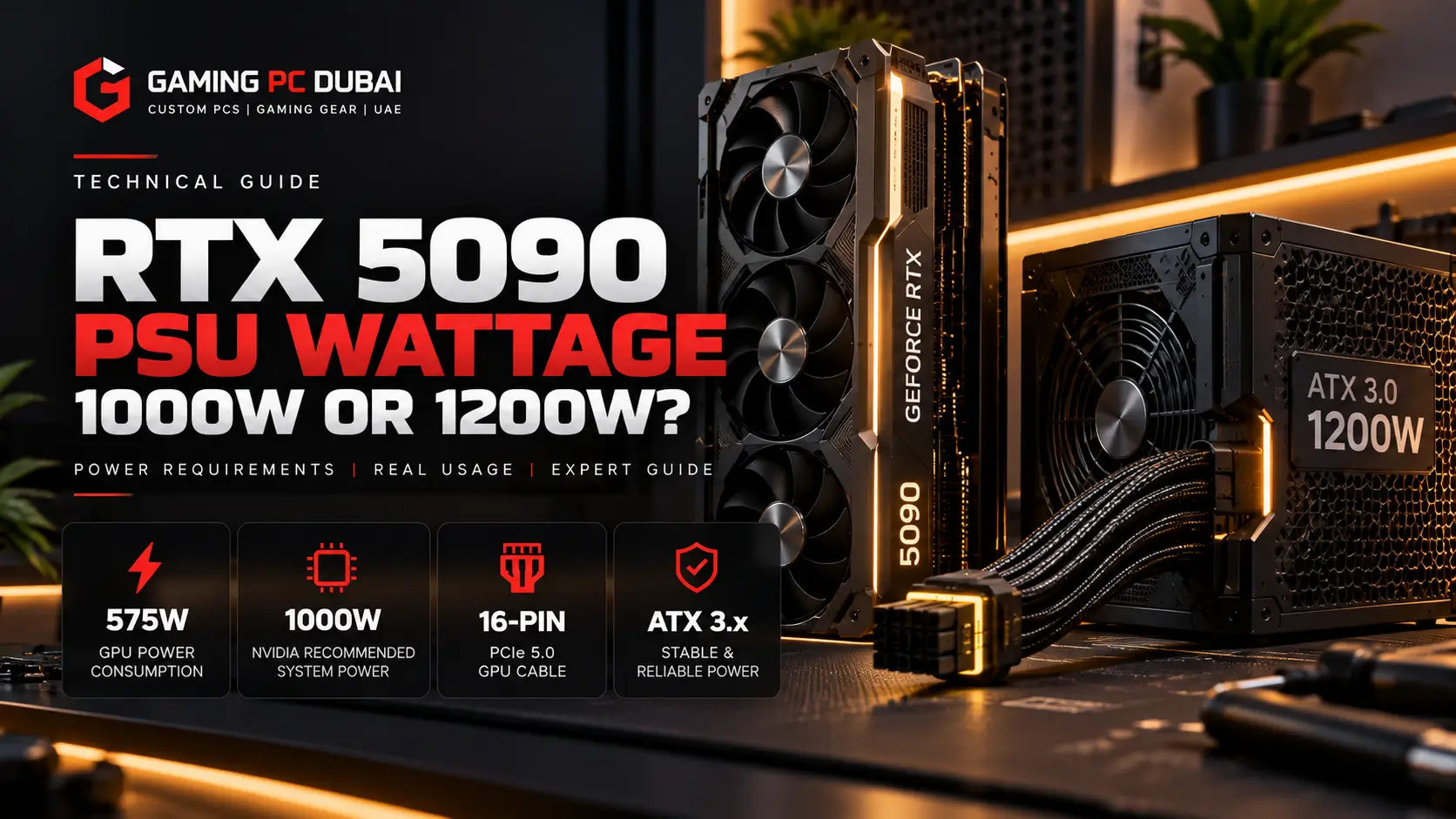
RTX 5090 PSU Wattage UAE — Quick Facts
NVIDIA specifies 575W Total Graphics Power for the RTX 5090 Founders Edition/reference specification.
The official RTX 5090 specification lists 1000W required system power for the reference configuration.
A quality 1000W PSU can be sufficient for an appropriate reference-like system, but high-power CPUs and factory-overclocked GPUs can justify more headroom.
A quality 1200W PSU provides additional capacity for high-end CPUs, sustained combined workloads, pumps, drives and future upgrades without requiring every system to use the full rating.
NVIDIA supports either its multi-8-pin adapter or a single 600W-or-greater PCIe Gen 5 cable for the reference RTX 5090.
A high-quality modern 1000W or 1200W unit with correct protections and cabling is preferable to an oversized low-quality power supply.
What PSU Does NVIDIA Officially Recommend for RTX 5090?
NVIDIA specifies a 1000W minimum system power rating for the RTX 5090 reference configuration.
| RTX 5090 Power Specification | Official Figure |
|---|---|
| Total Graphics Power | 575W |
| Required System Power | 1000W |
| GPU Maximum Temperature | 90°C |
| Native Power Option | 1 × 600W PCIe Gen 5 cable |
| Adapter Option | 4 × PCIe 8-pin cables through supplied adapter |
NVIDIA notes that its 1000W figure is based on a system configured with a Ryzen 9 9950X processor. Power requirements can therefore differ depending on the rest of the build.
Is a 1000W PSU Enough for RTX 5090?
Yes, a high-quality 1000W PSU can be enough for an RTX 5090 system that stays close to NVIDIA's reference power assumptions.
That means the CPU, GPU power limits and other components must all fit comfortably inside the PSU's sustained capacity. The unit should also provide the correct modern GPU connector configuration and be suitable for high transient loads.
A 1000W PSU Makes Sense When:
- The RTX 5090 is operating close to its standard power specification.
- The CPU is not configured for unusually high power draw.
- The PSU is a reputable high-quality modern design.
- The unit provides the correct native GPU cable or approved adapter setup.
- You do not plan aggressive GPU or CPU overclocking.
- The system does not contain unusually large numbers of pumps, drives or accessories.
When Is a 1200W PSU Better for RTX 5090?
1200W becomes a sensible choice when the RTX 5090 is combined with a flagship CPU, power-hungry board-partner card or heavy sustained CPU-and-GPU workloads.
The extra capacity does not force the PC to consume 1200W. A PSU only supplies the power the system requests. The higher rating simply gives the complete build more operating headroom.
- Flagship Ryzen 9 or Core Ultra 9 systems.
- Factory-overclocked RTX 5090 board-partner cards.
- Local AI workloads that load the GPU for long periods.
- 3D rendering or production workloads that stress CPU and GPU together.
- Large custom-loop cooling systems with pumps and many fans.
- Buyers planning later CPU or GPU upgrades.
Gaming PC Dubai's current Ryzen 9 9950X3D + RTX 5090 flagship configuration uses a 1200W 80 Plus Gold ATX 3.0 PSU, providing additional power headroom for the high-end CPU, RTX 5090 and complete system configuration.
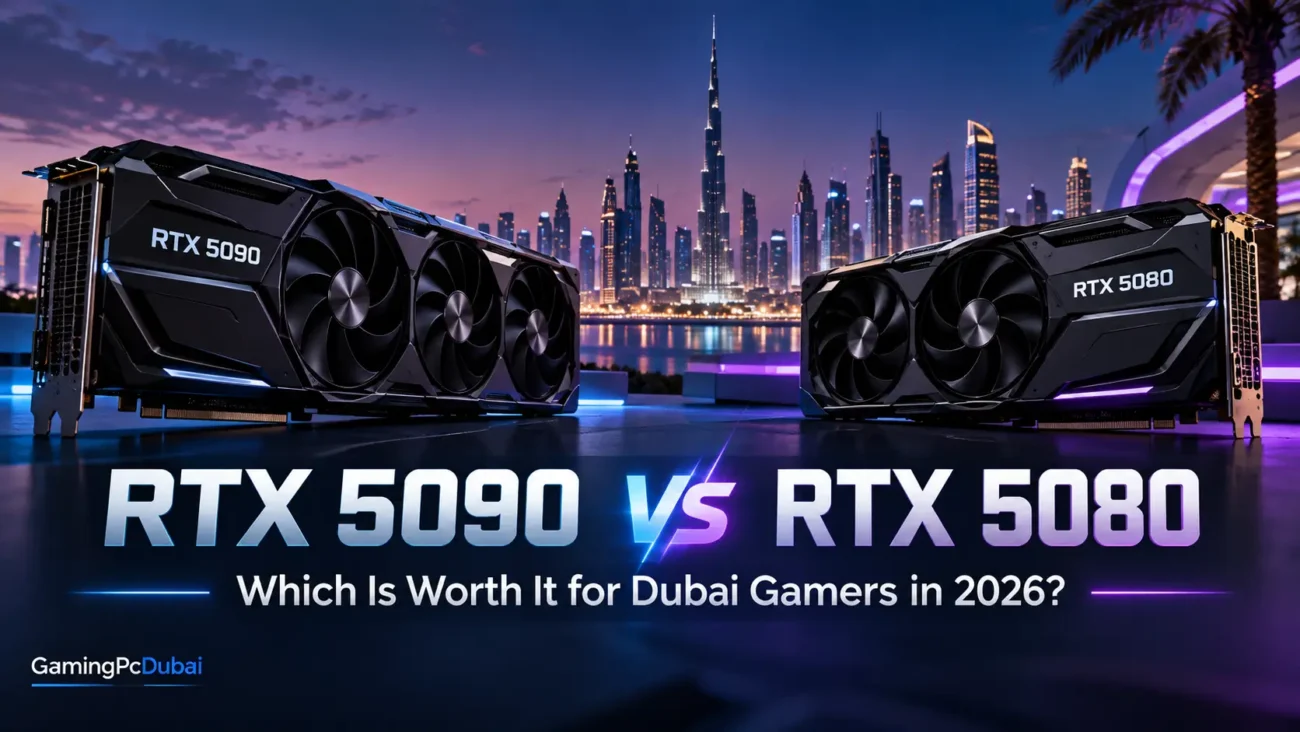
For more information about the GPU itself, read our RTX 5090 vs RTX 5080 UAE comparison .
Why ATX 3.x Matters for an RTX 5090 Power Supply
A modern high-end GPU can change power demand quickly. A suitable ATX 3.x-class PSU is designed around modern graphics-card power behaviour and connector requirements.
NVIDIA specifically recommends a PCIe CEM 5.1-compliant power supply for its RTX 5090 reference guidance. For a new flagship build, using a modern PSU platform makes more sense than reusing an older unit simply because its wattage number appears high enough.
What Power Cable Should You Use With RTX 5090?
For a new build, a native high-current PCIe Gen 5 GPU cable from the PSU is the cleanest approach when the PSU manufacturer supports it.
NVIDIA's reference RTX 5090 supports either four PCIe 8-pin cables connected through the supplied adapter or one 600W-or-greater PCIe Gen 5 cable.
Installation Checks
- Push the GPU connector fully into the socket.
- Confirm there is no visible gap between connector housings.
- Avoid immediately forcing the cable into a sharp bend at the connector.
- Use only cables approved for the specific PSU model.
- Do not mix modular PSU cables from unrelated power supplies.
- Check the connection again after final cable management.
Does UAE Heat Mean You Need a Bigger PSU?
Not automatically. Dubai's climate does not change the RTX 5090's official 575W graphics-power specification.
What heat does affect is the operating environment of the complete system. PSU efficiency, fan behaviour and internal component temperature depend partly on the air entering the case and PSU.
A power supply installed in a well-ventilated PC running in an air-conditioned room is operating under very different conditions from the same unit pulling warm air inside an enclosed cabinet.
Do not buy a 1200W PSU only because the PC is located in Dubai. Choose it when the complete component configuration, sustained workload and desired headroom justify it.
For a deeper thermal explanation, see our Gaming PC Cooling in Dubai guide .
What Makes a Good RTX 5090 PSU?
Wattage is only one part of PSU selection.
- Modern ATX 3.x platform.
- Correct high-power GPU connector support.
- Strong over-current, over-voltage and short-circuit protections.
- Quality internal design and sustained output capability.
- Appropriate efficiency certification.
- Manufacturer-supported modular cables.
- Sufficient warranty and local support.
80 Plus Gold efficiency is a useful baseline for many flagship systems, but efficiency certification by itself does not prove overall electrical quality. The specific PSU model still matters.
1000W vs 1200W RTX 5090 PSU: Which Should You Choose?
| System Type | Practical PSU Direction | Why |
|---|---|---|
| Reference-like RTX 5090 + moderate CPU | Quality 1000W | Matches NVIDIA's official reference baseline when the total system remains within spec |
| RTX 5090 + high-end gaming CPU | 1000W–1200W | Depends on CPU power, board-partner GPU and desired headroom |
| RTX 5090 + Ryzen 9 / Core Ultra 9 flagship build | 1200W often sensible | More margin for combined sustained CPU/GPU workloads |
| RTX 5090 workstation / AI system | 1200W or system-specific sizing | Long-duration GPU load and heavy CPU use can justify extra capacity |
| Overclocked flagship configuration | Model-specific calculation | Power limits can exceed reference assumptions |
Common RTX 5090 Power Supply Mistakes
- Buying by wattage number alone.
- Reusing an old PSU without checking connector compatibility.
- Using modular cables from a different PSU model.
- Failing to seat the 16-pin GPU connector fully.
- Sharp cable bending immediately beside the GPU connector.
- Ignoring CPU power when sizing the PSU.
- Assuming every RTX 5090 board-partner card has identical requirements.
- Blocking PSU intake airflow with carpet or enclosed furniture.
RTX 5090 PSU Wattage UAE — Frequently Asked Questions
Is 1000W enough for RTX 5090?
Yes, a high-quality 1000W power supply can be enough for an RTX 5090 system that remains close to NVIDIA's reference assumptions. NVIDIA officially lists 1000W required system power for its reference configuration.
Should I use a 1200W PSU for RTX 5090?
A 1200W PSU is sensible for many flagship builds using a high-power CPU, factory-overclocked RTX 5090 or sustained combined CPU and GPU workloads. It is not mandatory for every RTX 5090 PC.
How much power does RTX 5090 use?
NVIDIA lists 575W Total Graphics Power for the RTX 5090 reference specification. Actual board power can vary depending on the specific graphics-card model and power configuration.
Does RTX 5090 need an ATX 3.0 PSU?
NVIDIA recommends a PCIe CEM 5.1-compliant power supply for its RTX 5090 reference guidance. For a new flagship build, a modern ATX 3.x PSU is the preferred direction.
Can I use an older 1000W PSU with RTX 5090?
Possibly, but wattage alone is not enough to confirm suitability. Connector support, PSU age, cable compatibility, transient behaviour and the exact system configuration must also be checked.
Does Dubai heat increase RTX 5090 power consumption?
Dubai's climate does not directly change NVIDIA's 575W RTX 5090 power specification. Higher ambient temperature can affect cooling, PSU fan behaviour and overall thermal headroom, which is why airflow remains important.
What cable does RTX 5090 use?
NVIDIA's reference design supports either four PCIe 8-pin cables through the supplied adapter or one 600W-or-greater PCIe Gen 5 cable. The exact board-partner card should always be checked before installation.
Is 1200W too much for RTX 5090?
No. A 1200W PSU does not continuously push 1200W into the PC. It only supplies the power requested by the hardware, while the higher rating provides additional capacity and operating headroom.
RTX 5090 PSU Wattage UAE: Final Recommendation
For an RTX 5090 system, 1000W should be treated as NVIDIA's official reference baseline, while 1200W is often the more practical choice for flagship gaming, AI and workstation builds using high-power CPUs or factory-overclocked GPUs.
Do not choose the PSU based on UAE heat alone. Choose it based on the exact CPU, GPU model, combined sustained load, connector requirements, PSU quality and future upgrade plans.
For a new premium RTX 5090 build, a high-quality modern ATX 3.x unit with native high-power GPU cabling and sensible headroom is more important than chasing the largest wattage number available.
Technical References
NVIDIA GeForce RTX 5090 official specifications
Build an RTX 5090 Gaming PC With the Right PSU
Configure your RTX 5090 system around the exact CPU, graphics card, cooling and power requirements rather than guessing PSU wattage. Gaming PC Dubai provides local assembly with 24-hour thermal stress testing, 1–2 year local UAE warranty options, eligible Tabby/Tamara 0% installment options and free doorstep delivery across all seven Emirates.