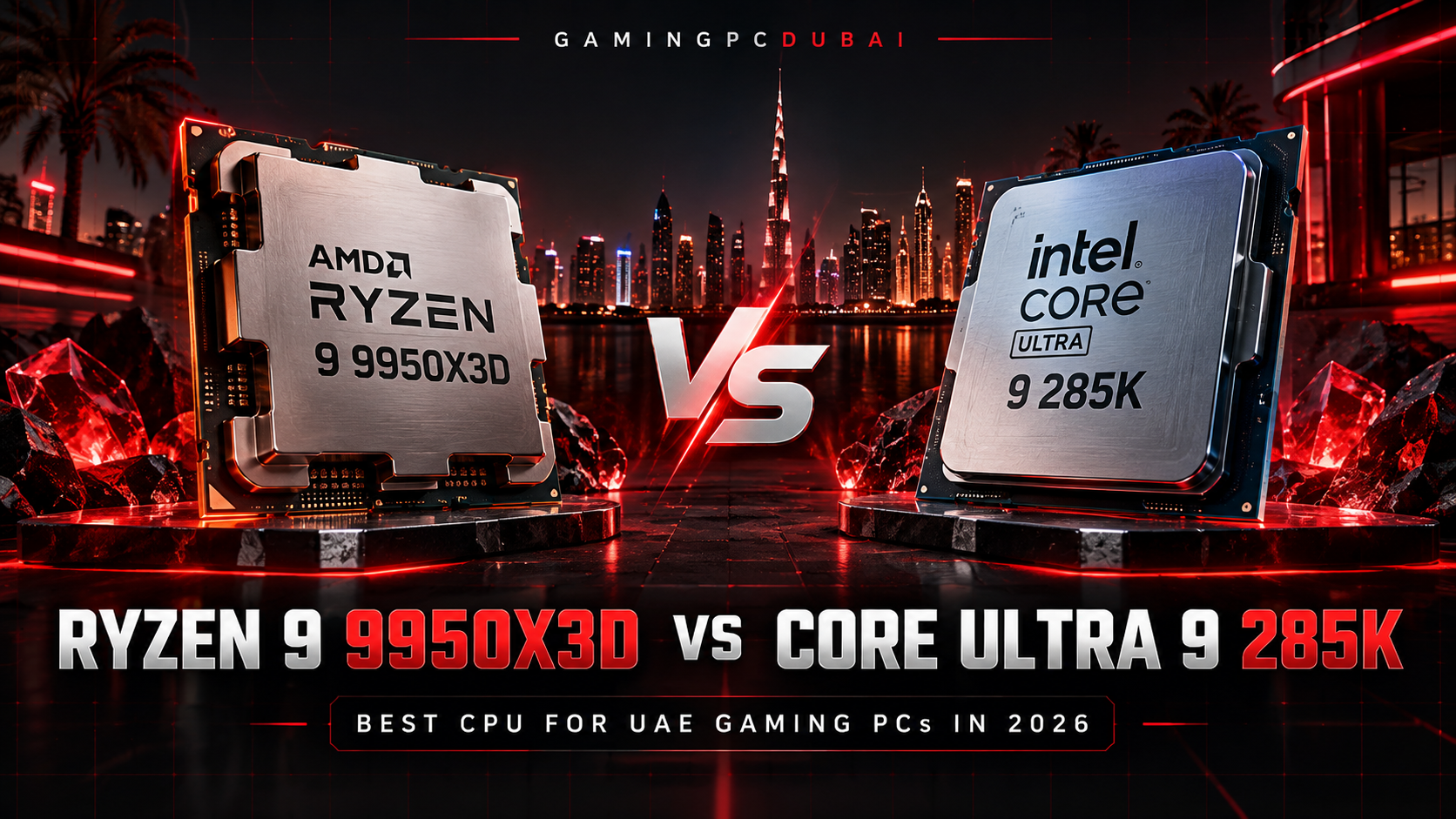
Ryzen 9 9950X3D vs Core Ultra 9 285K UAE is a flagship CPU comparison for buyers building a premium gaming PC in Dubai in 2026. AMD's Ryzen 9 9950X3D combines 16 Zen 5 cores, 32 threads and second-generation 3D V-Cache, while Intel's Core Ultra 9 285K uses 24 total cores made up of 8 Performance-cores and 16 Efficient-cores.
Both processors can power an RTX 5080 or RTX 5090-class system, but their gaming behaviour, cache design, platform requirements, thermal limits and workload strengths differ significantly. Clock speed alone does not tell the full story because both can boost to 5.7 GHz while using very different architectures.
This guide covers gaming performance, 1080p/1440p/4K behaviour, productivity, AM5 vs LGA1851, DDR5, cooling for Dubai conditions, power, buyer guidance and real build considerations. Gaming PC Dubai uses the same platform-level checks when configuring and stress-testing high-end systems before delivery.
Last updated: 3 October 2026
Ryzen 9 9950X3D vs Core Ultra 9 285K UAE — Quick Facts
Ryzen 9 9950X3D uses 16 Zen 5 cores with SMT for 32 threads. Core Ultra 9 285K uses 8 P-cores plus 16 E-cores for 24 total cores and 24 total threads.
Both CPUs list a maximum boost frequency of 5.7 GHz, but cache, scheduling and core design affect real-world performance far more than headline clock speed alone.
The 9950X3D includes 128MB of L3 cache thanks to AMD's 3D V-Cache design. Intel lists 36MB Smart Cache and 40MB total L2 cache for the 285K.
AMD lists the 9950X3D at a 170W default TDP. Intel lists the 285K at 125W Processor Base Power and 250W Maximum Turbo Power.
Ryzen 9 9950X3D uses AMD's AM5 socket. Core Ultra 9 285K uses Intel's newer LGA1851 platform and is not compatible with older LGA1700 motherboards.
AMD specifies 95°C Tjmax for the 9950X3D, while Intel lists 105°C maximum operating temperature for the 285K. These are operating limits, not ideal target temperatures.
Ryzen 9 9950X3D vs Core Ultra 9 285K Specifications
The 9950X3D prioritizes large cache and 16 high-performance Zen 5 cores, while the 285K uses a hybrid P-core/E-core design with more physical cores overall.
| Specification | Ryzen 9 9950X3D | Core Ultra 9 285K |
|---|---|---|
| Architecture | Zen 5 | Core Ultra Series 2 / Arrow Lake |
| Total Cores | 16 | 24 |
| Core Layout | 16 Zen 5 cores | 8 P-Cores + 16 E-Cores |
| Threads | 32 | 24 |
| Maximum Boost | Up to 5.7 GHz | Up to 5.7 GHz |
| L3 / Smart Cache | 128MB L3 | 36MB Smart Cache |
| L2 Cache | 16MB | 40MB |
| Published Power Rating | 170W Default TDP | 125W Base / 250W Max Turbo |
| Socket | AM5 | LGA1851 |
| Memory | DDR5 | DDR5 |
| PCI Express | PCIe 5.0 | PCIe 5.0 + 4.0 |
| Maximum Operating Temperature | 95°C | 105°C |
| Integrated Graphics | Radeon Graphics | Intel Graphics |
| Overclocking | Unlocked | Unlocked |
Which Is Better for Gaming in Dubai, Ryzen 9 9950X3D or Core Ultra 9 285K?
For a gaming-first flagship build, Ryzen 9 9950X3D has the stronger CPU-limited gaming profile.
The key difference is AMD's second-generation 3D V-Cache. Many modern game engines repeatedly access simulation data, geometry, AI state and draw-call information. A larger cache can reduce the amount of time the CPU waits for data from system memory in cache-sensitive games.
Tom's Hardware tested both processors across a 16-game 1080p suite using an RTX 5090 to minimize GPU bottlenecks. In that specific configuration, the Ryzen 9 9950X3D delivered approximately 34% higher average frame rates and 27% higher 1% lows than the Core Ultra 9 285K.
If you are also deciding which flagship GPU to pair with either CPU, read our RTX 5090 vs RTX 5080 UAE comparison before finalizing the complete build.
9950X3D vs 285K at 1080p, 1440p and 4K
CPU Differences Are Easier to See
With a flagship GPU at 1080p, the CPU becomes a larger part of the bottleneck. This is where the 9950X3D's large cache and gaming-focused behaviour are most visible.
CPU Still Matters at High Refresh
At 1440p, GPU load rises, but CPU performance still matters when targeting 165Hz, 240Hz or higher refresh rates, especially in competitive or simulation-heavy titles.
GPU Becomes More Important
At 4K ultra settings, the graphics card increasingly becomes the limiting component. CPU differences between these two processors are therefore often less visible than in CPU-limited 1080p testing.
1080p Competitive Gaming
For esports and other high-refresh scenarios, a fast CPU can still materially affect frame delivery even when visual settings are reduced. The 9950X3D is particularly relevant when the goal is very high FPS and strong 1% lows.
1440p High-Refresh Gaming
At 1440p, both CPUs are capable of supporting a premium GPU, but the 9950X3D gives more CPU-side gaming headroom in titles that remain sensitive to cache and CPU throughput.
4K AAA Gaming
At 4K, system balance matters more. A stronger GPU, suitable cooling and a high-quality display often have a larger practical effect than moving between two already high-end CPUs.
Which CPU Is Better for Streaming, Rendering and Productivity?
Both processors are capable high-end productivity CPUs, but the better choice depends on the exact software and workflow.
The 9950X3D provides 16 cores and 32 threads, giving it substantial capacity for rendering, encoding, compiling and heavy multitasking while retaining strong gaming performance.
The 285K uses 8 P-cores and 16 E-cores. Intel Thread Director can help the operating system place foreground and background work across the hybrid core layout, which can be useful in heavily multitasked creator environments.
Intel also includes a 13-TOPS NPU called Intel AI Boost, with 36 overall peak platform TOPS listed for the 285K. This can accelerate supported AI workloads, but a discrete high-end GPU remains much more important for heavy local AI, generative models and GPU rendering. :chatgpt-content-reference{index="3"}
AM5 vs LGA1851: Which Platform Makes More Sense in 2026?
AM5 is attractive to buyers who already own a compatible AMD platform, while LGA1851 is required for Core Ultra 9 285K and needs a compatible Intel 800-series motherboard.
Ryzen 9 9950X3D — AM5
- Uses AMD AM5 socket.
- Supports DDR5 memory.
- Supports PCIe 5.0.
- Works with multiple AMD 600- and 800-series chipsets with suitable BIOS support.
- Can be attractive for existing AM5 owners upgrading to a flagship CPU.
Core Ultra 9 285K — LGA1851
- Uses Intel LGA1851 socket.
- Supports DDR5 memory.
- Supports PCIe 5.0 and PCIe 4.0 connectivity.
- Requires a compatible Intel 800-series motherboard.
- Cannot be installed in older LGA1700 motherboards.
A buyer moving from Intel 12th, 13th or 14th Gen to Core Ultra 9 285K should include the motherboard replacement in the total platform cost. An existing AM5 owner may be able to retain more of the current system if the motherboard manufacturer supports the 9950X3D with an appropriate BIOS.
What DDR5 Memory Should You Use With 9950X3D or 285K?
Both CPUs use DDR5, but stability, latency and motherboard compatibility matter more than chasing the highest advertised memory frequency.
AMD officially lists DDR5-5600 support for common two-DIMM configurations on the 9950X3D. Intel lists memory support up to DDR5-6400 for the 285K. Faster EXPO or XMP profiles are memory overclocking profiles and still depend on the memory kit, CPU memory controller, motherboard and BIOS. :chatgpt-content-reference{index="4"}
- Use a matched two-DIMM kit where practical.
- Update the motherboard BIOS before final memory tuning.
- Enable EXPO or XMP only after confirming the system boots and is stable.
- Run memory stability tests after changing frequency or timings.
- Do not sacrifice long-term stability for a small synthetic benchmark improvement.
How Should You Cool Ryzen 9 9950X3D and Core Ultra 9 285K in Dubai?
Both CPUs should be installed in a high-airflow chassis with cooling selected for sustained load rather than short idle or burst benchmarks.
AMD lists a maximum operating temperature of 95°C for the Ryzen 9 9950X3D and recommends liquid cooling for optimal performance. Intel lists 105°C as the maximum operating temperature for the Core Ultra 9 285K. :chatgpt-content-reference{index="5"}
These limits should not be treated as ideal targets. Modern CPUs continuously adjust boost behaviour, voltage and power according to workload and thermal headroom.
Dubai and Abu Dhabi Ambient Temperature
The temperature that matters most to the PC is the air entering the case. A system in an air-conditioned room around 22–26°C has more thermal headroom than the same machine pulling in much warmer indoor air.
When intake temperature rises, CPU package temperature, radiator coolant temperature, motherboard VRM temperature and GPU temperature generally rise in the same direction unless fan speed, power behaviour or workload changes.
Practical UAE Cooling Tips
- Use a high-capacity 360mm AIO or similarly capable solution where appropriate for flagship builds.
- Keep front or side intake paths unobstructed.
- Use rear and top exhaust to remove accumulated heat.
- Clean radiator mesh and dust filters regularly.
- Avoid placing the system inside a closed cabinet.
- Verify pump operation and cooler mounting during assembly.
- Test fan curves after the complete CPU and GPU configuration is installed.
Gaming PC Dubai uses 24-hour thermal stress testing on applicable completed systems to help expose unstable memory profiles, poor airflow, fan-curve problems or other issues that may only appear after sustained load. Customers also receive 1–2 year local UAE warranty options, eligible Tabby/Tamara 0% installment options and free doorstep delivery across all seven Emirates.
9950X3D vs 285K Power Consumption: What Do the Ratings Mean?
The published power figures describe different specifications and should not be interpreted as direct electricity-use comparisons.
AMD rates the 9950X3D at a 170W default TDP. Intel lists the 285K at 125W Processor Base Power and 250W Maximum Turbo Power. Actual package power depends on workload, motherboard configuration, BIOS limits, temperature and boost behaviour. :chatgpt-content-reference{index="6"}
| Thermal / Power Item | Ryzen 9 9950X3D | Core Ultra 9 285K |
|---|---|---|
| Published Power Figure | 170W default TDP | 125W base / 250W max turbo |
| Published Temperature Limit | 95°C | 105°C |
| Cooling Guidance | AMD recommends liquid cooling for optimal performance | High-capacity cooling is sensible for sustained high-power workloads |
| Gaming Behaviour | Dynamic Precision Boost behaviour | Dynamic P-core / E-core turbo behaviour |
Should You Buy Ryzen 9 9950X3D or Core Ultra 9 285K in the UAE?
Choose Ryzen 9 9950X3D if:
- Your priority is maximum CPU-limited gaming performance.
- You play competitive or simulation-heavy games at high refresh rates.
- You want 16 cores and 32 threads for gaming plus productivity.
- You already own a compatible AM5 motherboard.
- You are pairing the CPU with RTX 5080 or RTX 5090-class graphics.
- You want a flagship gaming CPU without giving up high core count.
Choose Core Ultra 9 285K if:
- You specifically want Intel's Core Ultra desktop platform.
- Your workload benefits from Intel's hybrid P-core/E-core architecture.
- You need Intel platform-specific features or compatibility.
- You value the built-in NPU for supported AI features.
- Your system is productivity-focused as well as gaming-focused.
- You are already planning an LGA1851 / Intel 800-series build.
You can configure either processor directly through the Gaming PC Dubai Custom PC Builder , which currently includes both the Ryzen 9 9950X3D and Core Ultra 9 285K as selectable processors. :chatgpt-content-reference{index="7"}
Buyers who prefer ready-configured systems can also browse the High-End Gaming PCs category or compare current stock through the Gaming PC Dubai shop . Both URLs are currently live. :chatgpt-content-reference{index="8"}
Ryzen 9 9950X3D vs Core Ultra 9 285K UAE — Frequently Asked Questions
Is Ryzen 9 9950X3D faster than Core Ultra 9 285K for gaming?
Ryzen 9 9950X3D generally has the stronger CPU-limited gaming profile because of its large 3D V-Cache. In Tom's Hardware's 16-game 1080p test using an RTX 5090, the 9950X3D averaged 34% higher frame rates and 27% higher 1% lows, but those results are specific to that test configuration and should not be treated as a universal gap.
Which CPU is better for an RTX 5090 gaming PC?
Ryzen 9 9950X3D is particularly attractive for a gaming-first RTX 5090 system because it provides strong CPU-limited gaming performance. Core Ultra 9 285K remains a capable option where Intel platform features or specific productivity workloads matter more.
Does Ryzen 9 9950X3D need liquid cooling?
AMD recommends liquid cooling for optimal Ryzen 9 9950X3D performance. A high-capacity cooling solution is especially appropriate for sustained rendering, gaming and creator workloads in a flagship UAE PC.
Does Core Ultra 9 285K need a 360mm AIO?
Intel does not require one specific cooler size, but the 285K has a 250W Maximum Turbo Power specification. A high-capacity cooler is therefore sensible for sustained heavy workloads, particularly in warm indoor environments.
Can I use an LGA1700 motherboard with Core Ultra 9 285K?
No. Core Ultra 9 285K uses the LGA1851 socket and is not compatible with older LGA1700 motherboards used by Intel 12th, 13th and 14th Gen desktop processors.
Can I upgrade to Ryzen 9 9950X3D on an existing AM5 motherboard?
Possibly, if the motherboard model supports the Ryzen 9 9950X3D and has the required BIOS version. Always verify the motherboard manufacturer's CPU support list before installation.
Is Ryzen 9 9950X3D overkill for 4K gaming?
It can be more CPU than some 4K-only systems require because 4K gaming is frequently GPU-limited. It makes more sense when the system also targets very high-refresh gaming, streaming, creation or other CPU-intensive work.
Which processor is better for gaming and streaming together?
Both processors can handle gaming and streaming simultaneously. The Ryzen 9 9950X3D's 16 cores, 32 threads and strong gaming performance make it especially attractive for systems combining high-FPS gaming with CPU-heavy background workloads.
Ryzen 9 9950X3D vs Core Ultra 9 285K UAE: Final Verdict
For a gaming-first flagship UAE PC, Ryzen 9 9950X3D is the stronger choice when CPU-limited gaming performance is the priority, while Core Ultra 9 285K remains a capable alternative for buyers who specifically want Intel's LGA1851 platform, hybrid architecture and integrated NPU features.
The decision should not be based only on core count or boost frequency. The 9950X3D's 3D V-Cache, the 285K's P-core/E-core design, motherboard cost, cooling, memory and the target GPU all affect the value of the complete system.
Official References
AMD Ryzen 9 9950X3D official specifications
Intel Core Ultra 9 285K official specifications
Tom's Hardware Ryzen 9 9950X3D vs Core Ultra 9 285K benchmark comparison
Benchmark results depend on the test system, GPU, memory, firmware, game version, operating system and graphics settings. The cited percentage differences should therefore be treated as results from that specific test suite rather than guaranteed performance for every build.
Build a Ryzen 9 9950X3D or Core Ultra 9 Gaming PC in Dubai
Configure your system around the games, monitor, GPU and professional software you actually use. Gaming PC Dubai offers local assembly with 24-hour thermal stress testing, 1–2 year local UAE warranty options, eligible Tabby/Tamara 0% installment options and free doorstep delivery across all seven Emirates.